Dictate anywhere, draft replies, and control your Mac - all by voice. Just say “Hey Holger.”
One assistant for dictation, writing, and controlling your Mac.
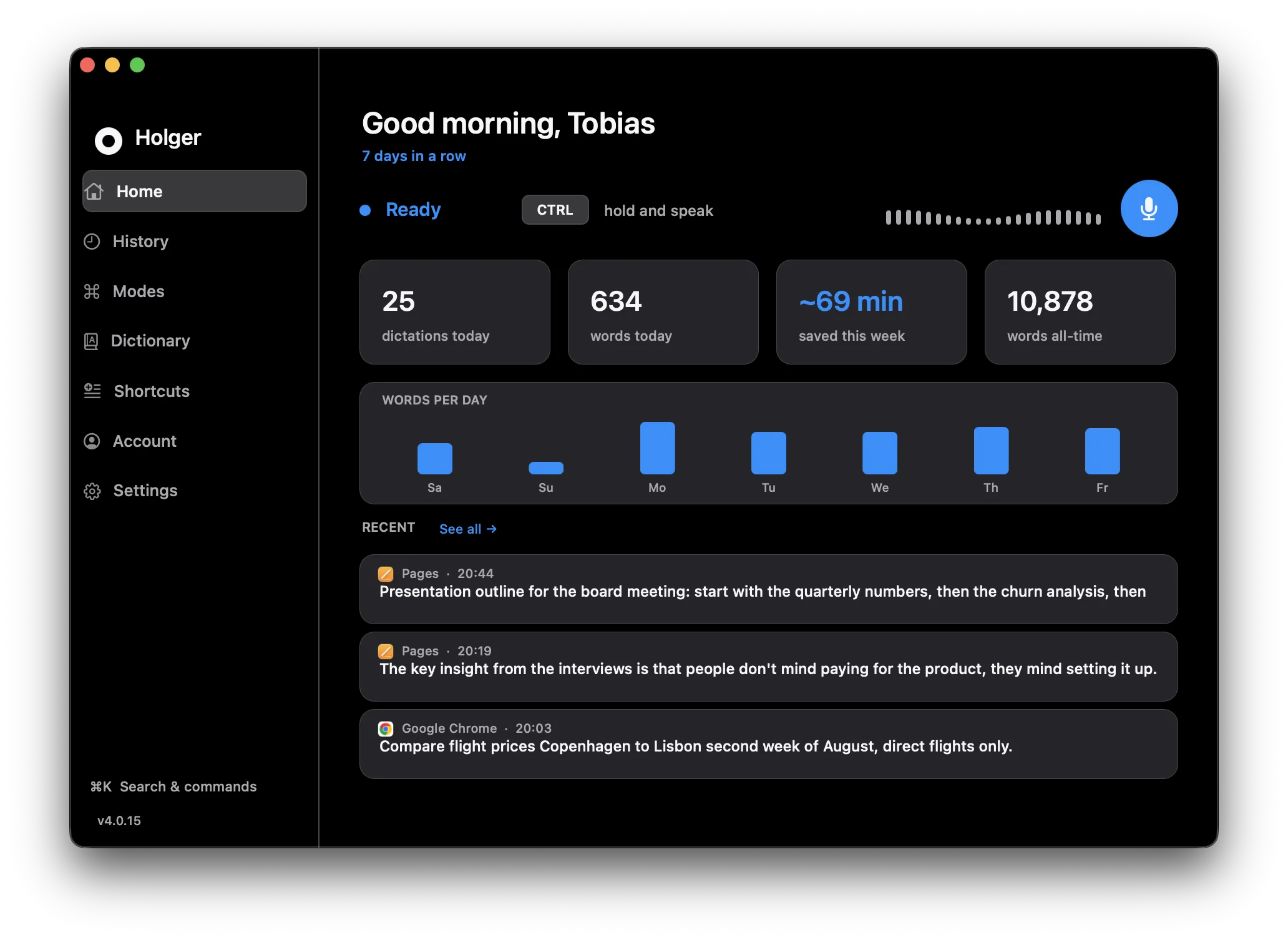
Hold a key, speak, and your words appear instantly at the cursor - in any app, in any language.
Holger reads what’s on screen and writes a perfect, in‑context reply to any message or email.
Ask “what’s on my screen?” and get a real answer about it.
“Open Spotify,” “close Safari,” “what’s the weather?”
Fully hands‑free. Say “Hey Holger” anytime - the wake word runs 100% on‑device.
Drag Holger into Applications and launch it. No API keys, no setup.
A quick guided step for microphone and accessibility - that’s it.
Hold your hotkey or say “Hey Holger,” and start working hands‑free.
Real screenshots from Holger on macOS - this is exactly what you get.
Short clips of what talking to your Mac feels like.
“Hey Holger, draft a reply to this email.”
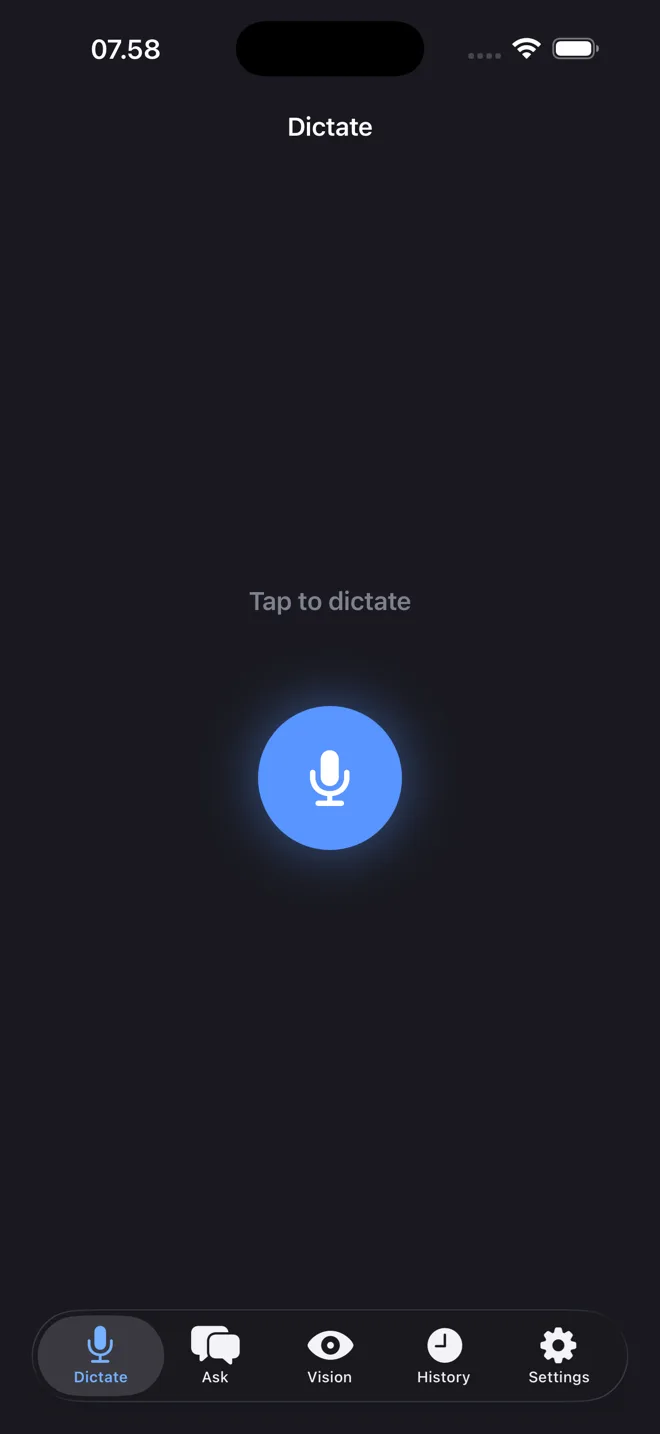
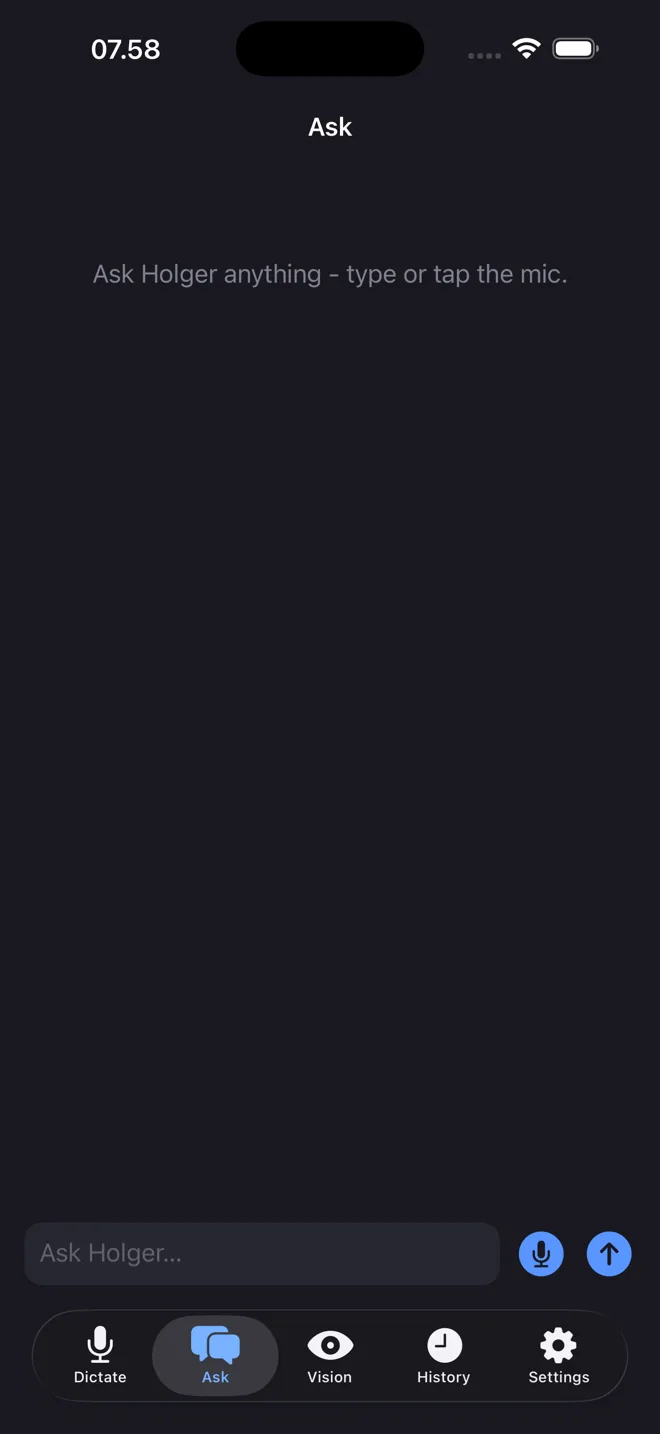
Dictate, ask questions and get answers - right on your iPhone. And the Holger keyboard drops clean text into any app.

Dictate with one tap

Ask anything
Start free. Unlimited use - no API keys, no per‑word fees.
No. Everything runs through Holger - just download, start your free trial, and talk. There’s nothing technical to set up.
macOS 12 (Monterey) or later, on Apple Silicon Macs (M1 and newer).
Yes - 7 days, full access, no card required to start. Subscribe whenever you’re ready.
Absolutely. Cancel in one click from Settings; you keep access until the end of your billing period.
The “Hey Holger” wake word runs 100% on‑device. Voice is only sent for processing when you actively use a command.